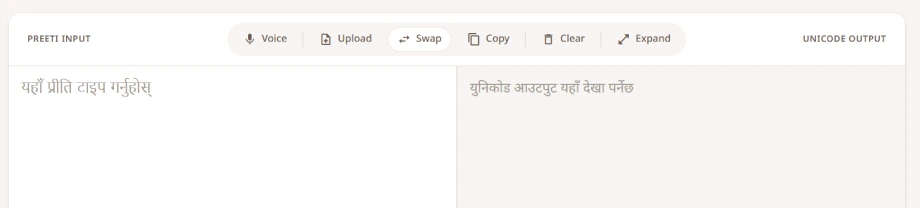
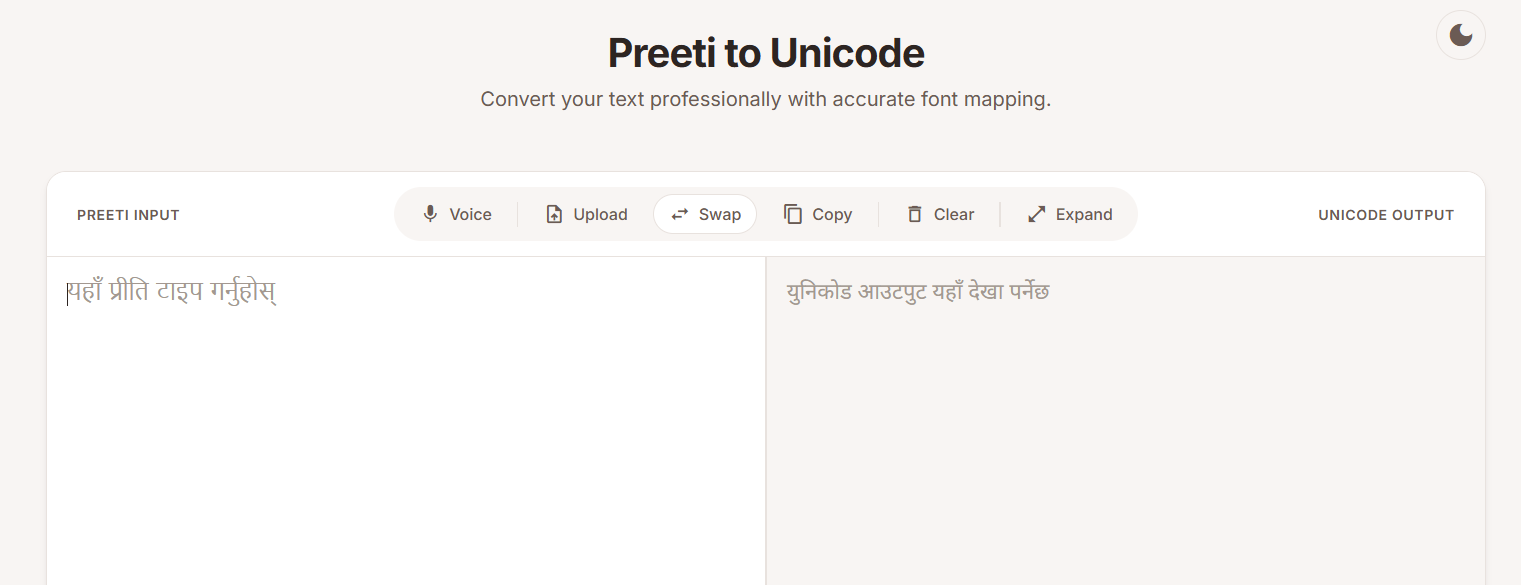

Is there still room for Preeti to Unicode converter? For the last two decades, Nepali language converters have mostly been classic two text boxes that does basic conversion. It’s been a frustrating cycle of pasting text, losing your tables, and manually fixing, formatting and broken characters. The use case was basic
I recently worked on a new preeti to unicode converter because waiting for a better tool wasn’t working. And it seems, it wasn’t moving forward. This isn’t just a “new look”—it’s a complete rework of how Preeti font keyboard mapping to Nepali Unicode font is handled.
Beyond the Preeti – Unicode – Preeti Logic
Standard converters treat text like a flat string of characters. That’s why your Word documents usually fall apart the second you hit “convert.” This tool uses an updated conversion logic that respects the structure of the document.
- Format Preservation: Whether it’s a complex table in an official report or a specific layout in a legal document, the goal is to keep it intact.
- Direct Docx Uploads: You can skip the copy-paste routine entirely. Upload a
.docxfile, and the tool swaps the encoding while keeping your bolding, headers, and styles. - True Bi-directional Support: Moving from Preeti to Unicode is the standard, but sometimes you need to go back. A quick
Ctrl + Enterswaps the mode instantly.
Modern Features for a Modern Workflow
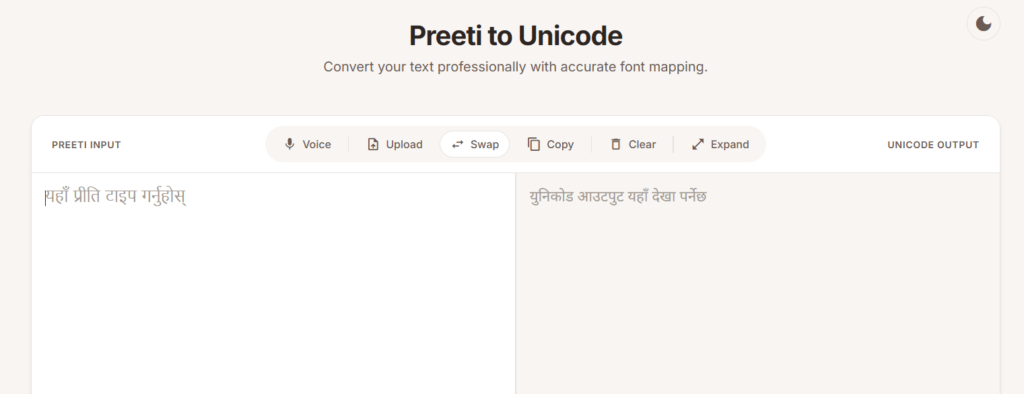
The internet has moved on, and conversion tools should too. Preeti App includes a few specific upgrades to make the process less of a chore:
- Voice Typing: If typing in Nepali feels like a bottleneck, the built-in voice-to-text handles real-time dictation with high accuracy enabling easy Nepali voice typing.
- Formatting preserved: Complex formatting and tables are preserved. Converting complex documents with tables and formatting is easily.
- Romanized Transliteration: For those who grew up with QWERTY, you can type phonetically (e.g., “mero nam”) and get perfect Devanagari script. It is powered by advanced Google API to produce the best result.
- PWA & Dark Mode: It’s a Progressive Web App, meaning it works more like a native app on your phone. Plus, dark mode is included because nobody likes staring at a bright white screen at midnight.
- Distraction free mode: It expands the text area so that there is more view-port for better readability.
- Document Upload: Forget copy-paste, directly upload document (.docx) and get the converted document. Formats preserved!
We’re continuously exploring to further expand the capabilities and features, including the conversion logic.
Conclusion
This release finally gives a fresh touch in classic Unicode-Preeti converter. By combining updated conversion logic with modern features like voice typing and format preservation, it turns a frustrating chore into a simple task. Plus, we look forward to continuously update the product!
Frequently Asked Questions
How does this handle “broken” characters?
Older converters often fail on specific Nepali conjuncts. The updated mapping logic in this tool specifically targets those edge cases to ensure the “Unicode to Preeti” (or vice versa) output is clean and readable.
Will my tables in Word stay aligned?
That’s the priority. By using the document upload feature instead of raw text pasting, the system maps the font change to the existing XML structure of your file, preserving the layout.
Is my data stored on the server?
No. Everything happens within the browser. This is a “privacy-first” approach; your documents and voice recordings are processed locally and never hit a database.
What is Distraction-Free Mode?
Sometimes you just need to write. This mode clears the UI of everything except your workspace, making it easier to focus on long-form content creation.
Does it work offline?
Since it’s a PWA, the basic conversion features will work even if your connection drops. However, voice typing and Romanized suggestions do require an active internet connection to function.