
Let’s be honest, we’ve all been there. Someone is ready to pay, and you’re frantically scrolling through your phone’s gallery, squinting at thumbnails, trying to find that one specific payment QR code. “Is it this one? No, that’s the other bank… wait, did I delete it?” It’s a clunky, wastes time and adds a stress to what should be a simple transaction.
What if you could ditch the gallery hunt for good? What if getting paid was as easy as sharing a single, simple link?
This was the exact frustration that led to the creation of Tipp.Top.
It started as a basic Bank QR generator four years ago, a humble tool that surprisingly found its way to over 20,000 users. That initial success was a lightbulb moment: people are looking for simpler ways to handle their finances. So, I took that simple QR generator and rebuilt it from the ground up into something much more powerful.
More Than Just a Pretty Picture: The Power of a Payment Link
Tipp.Top isn’t just another tool to create a static image of a QR code. Think of it more like your personal online hub for payments. Once you sign up (which, by the way, is completely free), you get a unique “link-in-bio” style page with your personalized url – tiip.top/yourname. Here, you can add and generate all your different bank QR codes in one organized place.
But here’s the real game-changer: you get a single, clean link to share.
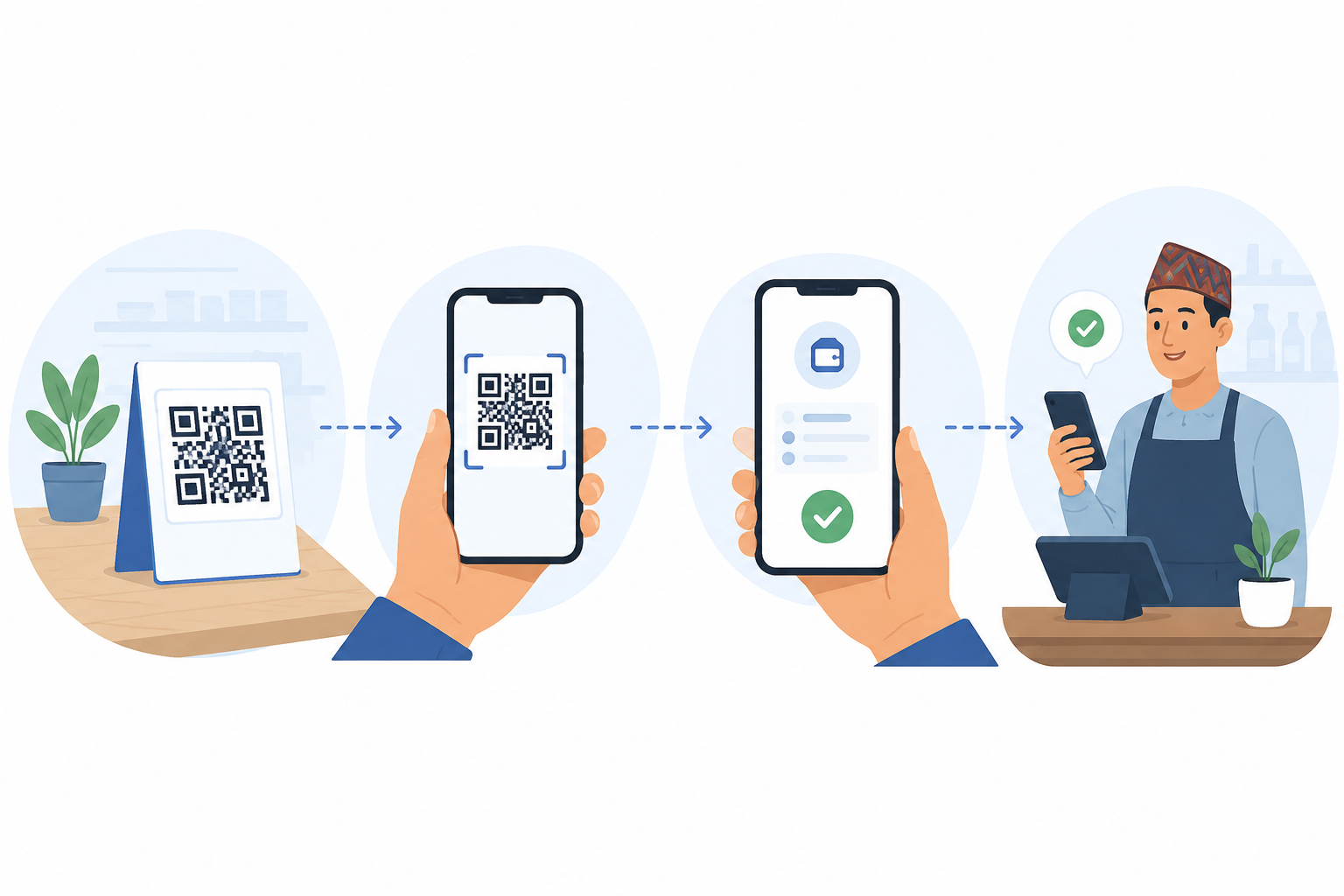
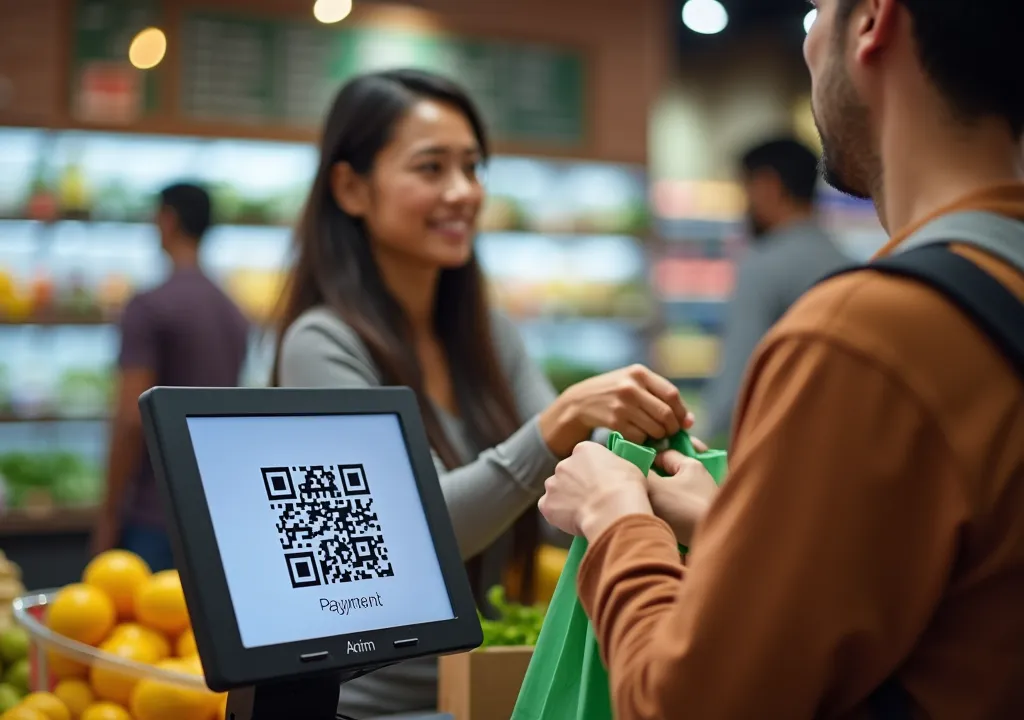
Instead of sending a picture of a QR code, you send your Tiip.Top link. Your customer opens it and sees all your payment options clearly laid out. They tap on their preferred bank or wallet, and then the QR code appears for them to scan. It’s a smoother, more professional experience for everyone. No more “Can you send the QR again? It’s blurry.” Besides payment QR, you can also add your social media links and custom links.
Get Bank QR instantly and start accepting payment
Getting Bank QR of accepting payment can be time consuming. And may take a full working day or more to get the payment QR. But tiip.top enables you to generate QR simply by putting your name, account number and bank name. Tipp.Top generates QRs based on the same open standard, this means a single QR generated through your Tipp.Top page can accept payments from virtually any major payment app or bank or wallet your customers might have. Plus, settlement happens in real-time, directly to your account!
And yes, you can still download the individual QR code images if you need them for printing. The flexibility is there. You can have a physical stand and still use your universal link for online transactions.
How to Finally Organize Your Payment QRs
Getting your own payment hub set up is incredibly straightforward.
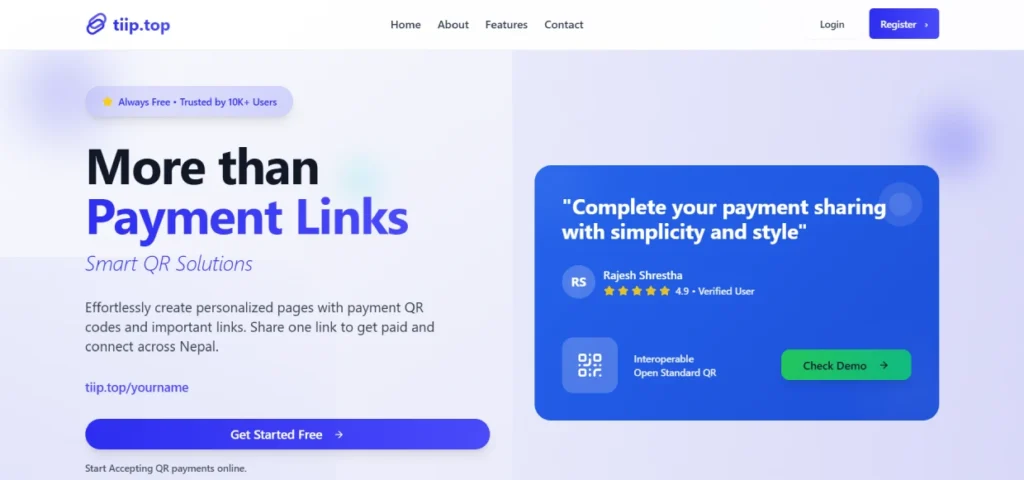
- Head over to tipp.top.
- Click the “Register” button.
- Fill in your contact details
- Fill your bank details in dashboard
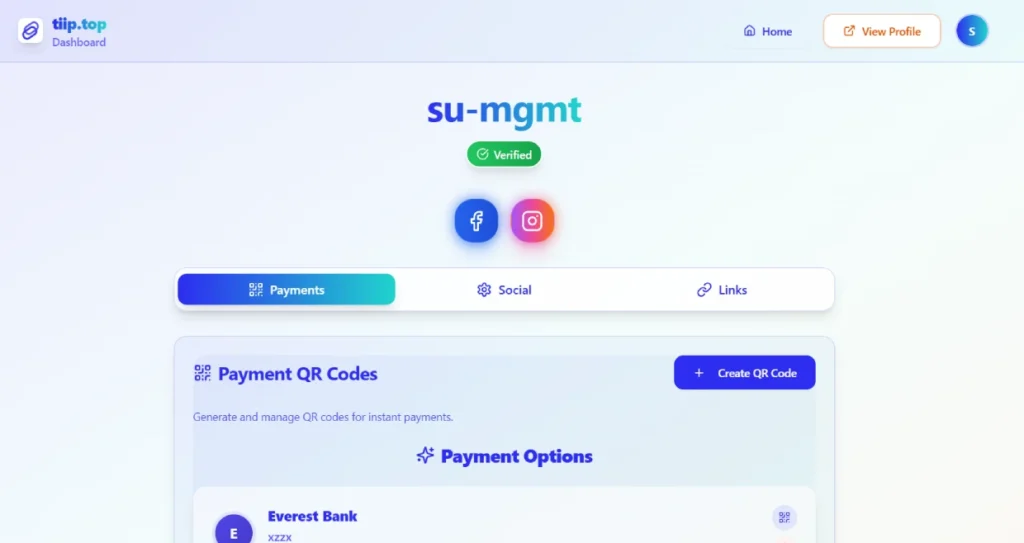
That’s it. You’re ready to add your bank payment QRs and start sharing your personal payment link.
It’s a small change that makes a world of difference. It’s about moving from a chaotic gallery of images to a streamlined, professional, and incredibly human way of getting paid. Give it a try; your future, less-stressed self will thank you.